At first glance, an industrial monitor and a conventional monitor appear to serve the exact same purpose: displaying visual information and, if equipped with touchscreen technology, enabling user interaction with an application. The critical difference emerges when the equipment must operate continuously for extended hours, withstand dust or heavy vibration, integrate seamlessly into a machine chassis, or maintain visual readability under harsh ambient light.
Selecting a monitor based strictly on screen size and display resolution is rarely sufficient. In a factory, a vehicle, an outdoor installation, or a medical environment, the display is a core component of a broader system. A display failure can halt an entire production line, cut off critical operational data from operators, or dramatically inflate long-term maintenance costs.
Here are seven key differences to analyze when evaluating whether your project requires industrial monitors or can be resolved with consumer-grade displays.
What is an Industrial Monitor and What is It Used For?
An industrial monitor is a display system engineered to deliver stable, continuous performance in operational environments and duty cycles far more demanding than a standard office or home setup. Its hardware architecture typically incorporates heavy-duty metal enclosures, long-availability industrial components, extended operating temperature tolerances, front-panel ingress protection, lockable cabling connectors, wide-input power supplies, and specialized mounting configurations.
There is no single universal design for an industrial display. A screen mounted on an automated production line faces different operational stresses than a monitor installed in a transit bus, a naval vessel, or an outdoor kiosk. The primary value of an industrial display lies in customizing the overall hardware assembly to match its environment, physical integration requirements, and expected service life.
Inelmatic's industrial HMI displays and Panel PCs provide versatile configurations tailored for factory automation, machinery integration, rack mounting, open-frame assemblies, and applications requiring integrated CPUs.
1. An Industrial Monitor Withstands Extended Operating Cycles
Conventional monitors are engineered for intermittent daily use in climate-controlled environments. Conversely, industrial processes frequently demand 24/7 continuous operation or extended multi-shift duty cycles sustained over many years. These rigorous demands dictate the selection of the LCD panel, LED backlight driver, internal power supply, capacitors, and overall thermal architecture.
Technical datasheets for industrial equipment specify the intended operating regimen and, where applicable, the backlight service life (MTBF or LED half-life). Evaluating how luminance degrades over thousands of operational hours is far more important than relying solely on initial peak brightness values.
A fanless cooling architecture prevents dust and airborne contaminants from entering the enclosure while eliminating a mechanical moving part prone to wear and failure. In return, it requires carefully calculated passive thermal dissipation through the structural enclosure and internal heat sinks.
2. Industrial Displays Operate Across Wider Temperature Ranges
An office monitor operates in a stable, temperature-controlled environment. An industrial screen may need to cold-boot in an unheated facility, absorb thermal dissipation from nearby industrial machinery, operate adjacent to direct sunlight, or run inside a vehicle exposed to extreme heat.
Operating temperature ratings must clearly distinguish between active operational limits and passive storage limits. Engineers should also verify that all functional layers—including touch sensors, optical bonding adhesives, backlight drivers, and power regulation circuitry—are fully validated at the stated temperature extremes.
Extreme temperatures directly affect LCD response times, backlight degradation rates, optical adhesives, and component lifespans. Adding external cooling fans is rarely enough; comprehensive thermal management must encompass the complete display assembly and its specific mounting method.
3. A Ruggedized Monitor Resists Vibration, Shock, and Physical Impact
In industrial machinery and transportation applications, continuous vibration can loosen internal cable harnesses, break solder joints, or induce structural fatigue in mounting brackets and bezels. Physical impacts during installation, maintenance, or daily operation introduce additional mechanical stress.
A ruggedized monitor utilizes reinforced internal framing, locking fasteners, and industrial-grade connectors engineered to absorb these mechanical forces. Structural durability must be tested on the final hardware configuration using the intended mounting method, as even a rugged screen will fail if secured with an inadequate bracket.
Rugged design also extends to the display faceplate. Protective glass, anti-scratch surface coatings, and vandal-resistant laminated covers are essential for public-facing equipment or installations exposed to heavy tools and debris.
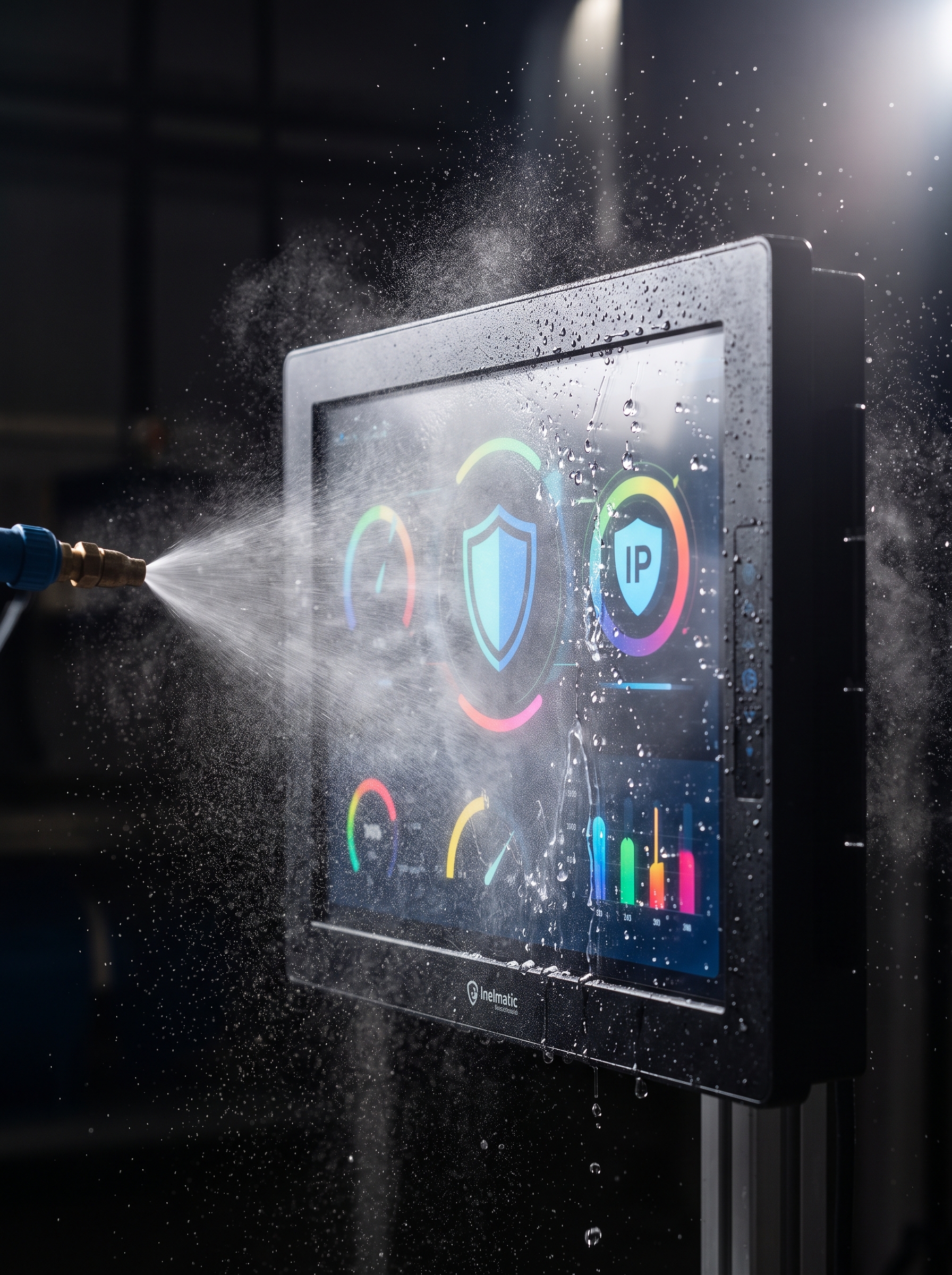
4. Ingress Protection (IP Ratings) Distinguishes Industrial Monitors from Consumer Displays
Dust, liquid splashes, chemical washdowns, and high ambient humidity are common across industrial settings. Consumer monitors feature open ventilation slots, unsealed bezels, and exposed port cutouts that invite environmental damage.
Industrial monitors typically offer IP65 or higher front-panel ingress protection depending on the application requirement. It is vital to confirm whether an IP rating applies strictly to the front bezel when panel-mounted or covers the entire enclosure, including rear I/O connectors and breathing vents.
Inelmatic's rugged displays incorporate metal housings, sealed gasket options, and custom chassis configurations for industrial, vehicular, and defense applications. The appropriate protection rating should be selected based on actual environmental exposure rather than simply choosing the highest numerical rating available.
5. Optical Performance and Brightness Adapt to the Environment
A display brightness level that feels comfortable inside an office is often unreadable under direct sunlight and blinding during nighttime vehicle operation. An industrial display can feature high-luminance LED backlights, automatic ambient light dimming, ultra-wide dimming ranges, anti-glare/anti-reflective surface treatments, and optical bonding.
Visual readability depends on the combined balance of panel luminance, contrast ratio, surface reflections, viewing angles, cover glass specifications, and software UI design. Increasing panel brightness (nits) without controlling surface reflections increases power consumption and heat generation without delivering a proportional improvement in visual clarity.
For light-sensitive environments, testing the complete display assembly with the actual software interface, from the user's viewing position, under real-world lighting conditions is recommended. An optical engineering lab can adjust cover glass properties, optical filters, and liquid bonding layers to optimize visual output.
6. Industrial Touchscreens Support Gloves, Water, and Precise Input
Consumer touchscreen technology tuned for smartphones often fails on a factory floor or outdoors. Operators frequently wear thick industrial gloves, water droplets may pool on the touch surface, or the application interface may demand precise stylus input.
Industrial touchscreens utilize either Projected Capacitive (PCAP) or Resistive touch technology. PCAP offers multi-touch capabilities, high optical clarity, and smooth gesture controls, whereas Resistive touch relies on physical pressure, making it compatible with virtually any glove material or pointing tool.
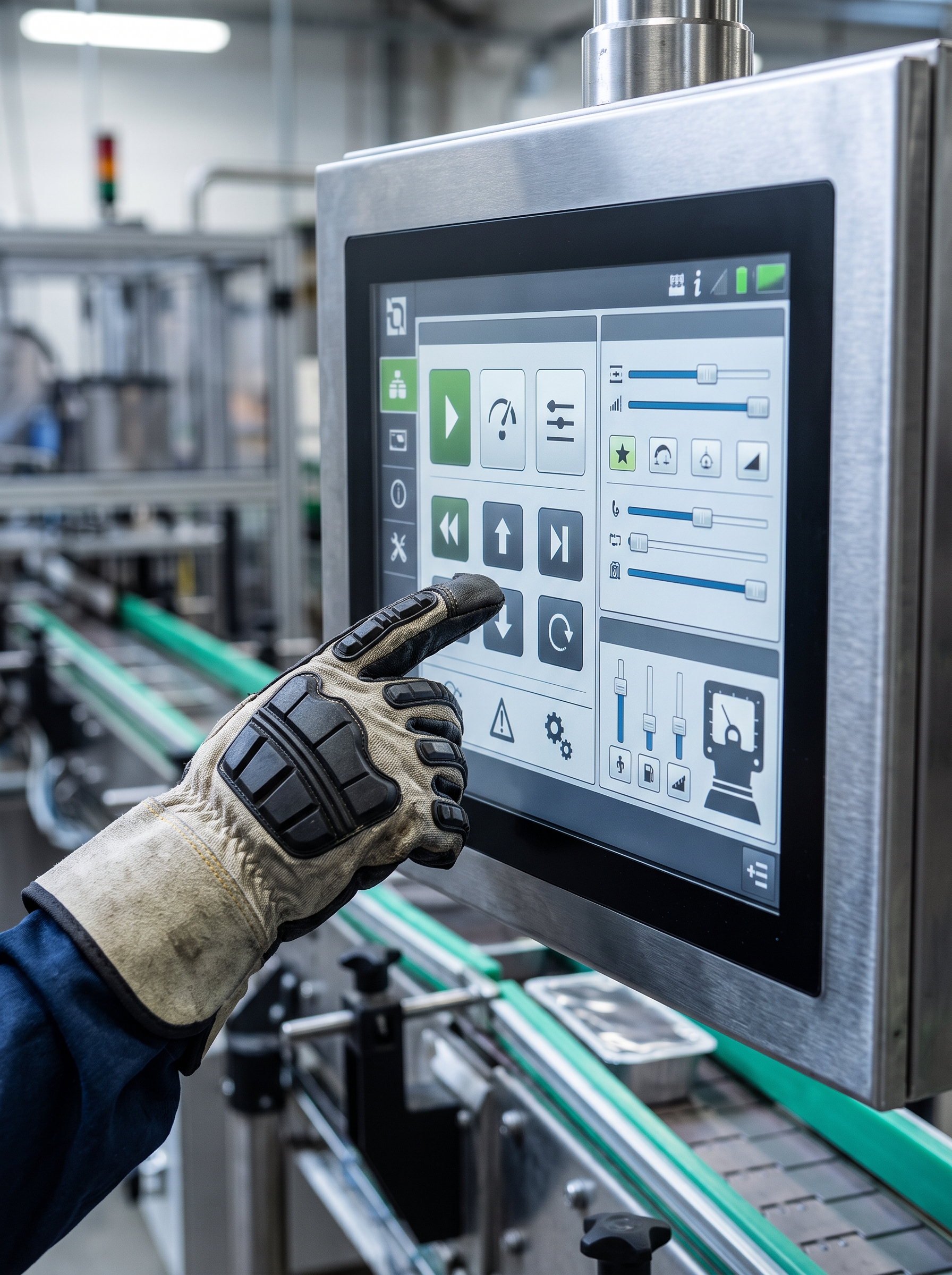
Technology selection should not be based on consumer trends. System designers must evaluate cover glass thickness, glove specifications, moisture exposure, electromagnetic interference (EMI), touch target sizing, calibration stability, and long-term maintenance. For PCAP solutions, controller firmware can be custom-tuned to filter out false touches caused by water or electrical noise.
7. Industrial Monitors Offer Flexible Integration and Long Lifecycle Support
Consumer monitors are mass-produced around short commercial lifecycles and fixed desktop form factors. Industrial projects frequently require open-frame designs, panel-mount bezels, VESA patterns, rackmount frames, custom physical dimensions, specific connector orientations, or wide-range DC power inputs.
Custom physical integration options allow engineers to incorporate displays without redesigning the machine's structural frame. Long product availability guarantees ensure that the exact display model can be sourced for years, simplifying field replacements and protecting OEM product lifecycles.
For HMI and Panel PC applications requiring onboard processing power, Inelmatic combines display panels, ARM or Intel processors, I/O interfaces, wireless connectivity, and custom software support into a single integrated unit. This reduces overall component count and simplifies internal cabling when visual display and computing power must coexist.
How to Choose Between an Industrial Monitor and a Conventional Monitor
A conventional monitor may be sufficient for a clean control room, office environment, or non-critical application where component replacement is fast and inexpensive. If ambient temperatures are controlled, usage is moderate, and there is no risk of vibration, dust, moisture, or physical impact, consumer hardware can offer a lower initial purchase price.
An industrial monitor becomes mandatory when system downtime is costly, physical installation is complex, long-term supply chain availability is required, or operating conditions exceed consumer tolerances. To determine the right hardware specification, document the following project requirements:
Expected daily operating hours and product service lifecycle.
Operating temperature ranges, humidity, dust exposure, liquids, and cleaning chemicals.
Mechanical vibration profiles, shock risks, and mounting structures.
Viewing distance, viewing angles, and ambient lighting conditions.
Touchscreen requirements, glove types, and liquid tolerance on the screen.
Video interfaces, power supply range, and connector types.
Industry certifications, regulatory compliance, and environmental testing protocols.
Spare parts availability, revision control, and engineering change policies.
Conducting this assessment prevents overpaying for unnecessary features while eliminating the risk of selecting a display that performs well on an engineering test bench but fails in real-world operation.
Advantages of Custom Industrial Monitors
OEM projects rarely align perfectly with standard off-the-shelf catalog models. Customizing the mechanical enclosure, cover glass, connector placement, branding, power input range, or controller firmware can save significant assembly time, structural hardware costs, and field maintenance across the entire production run.
Customization is equally critical when replacing obsolete display units in legacy systems. Replicating exact physical dimensions, mounting hole patterns, and legacy video interfaces allows engineers to upgrade internal electronics without modifying the surrounding machine frame or vehicle dashboard.
Inelmatic integrates mechanical engineering, electronics design, optical bonding, and software customization to adapt monitors and Panel PCs to specific project volumes and technical specifications. Defining these parameters early streamlines prototype validation and maintains a stable manufacturing baseline throughout full-scale production.
Frequently Asked Questions About Industrial Monitors
What is the main difference between an industrial monitor and a normal monitor?
An industrial monitor is engineered for extended duty cycles, harsh operating environments, and specialized physical integration. It provides wider temperature tolerances, rugged structural enclosures, IP ingress ratings, high-brightness panels, configurable touch technology, and long-term component availability.
Does an industrial monitor always require a touchscreen?
No. Touch capability is optional. In passive monitoring or digital signage applications, a touchscreen is unnecessary, whereas in an HMI environment, it allows operators to control machinery without external keyboards or mice.
What does IP65 mean on an industrial display?
It indicates complete protection against dust ingress and protection against low-pressure water jets from any direction under specified test conditions. Always verify whether the IP rating applies strictly to the front bezel when panel-mounted or to the complete enclosure.
How many nits does an industrial monitor need?
Required panel luminance depends on ambient lighting, surface reflections, optical treatments, and viewing angles. Indoor industrial environments may only require 300 to 500 nits, whereas outdoor direct sunlight applications typically demand 1,000+ nits paired with optical bonding.
When should you use a ruggedized monitor?
A ruggedized monitor is recommended when equipment faces vibration, mechanical shock, high humidity, heavy dust, extreme temperatures, or public use—or whenever hardware failure causes costly operational downtime or complex field repairs.
Can an industrial monitor be manufactured with custom dimensions?
Yes. Specialized manufacturers can customize physical dimensions, enclosure materials, mounting configurations, cover glass, connectors, power supplies, touch technologies, and internal electronics based on project specifications and production volume.